Category: Uncategorized

  • Unity will soon let you create casual games using simple text prompts

    Unity will soon let you create casual games using simple text prompts

    Making a video game usually means learning to code, working with complex game engines, and spending hours piecing everything together. That is true even for simple casual games. Many aspiring developers have to learn scripting languages and different tools just to build basic gameplay. For hobbyists or people without technical skills, the process can feel overwhelming and discouraging.

    However, the company behind one of the most popular game engines is pitching a very different future for game development. Unity says the latest iteration of its AI tool will allow people to generate playable casual games using only natural language prompts. That means you could describe what you want and let the AI build the project for you, moving from an idea straight to a prototype without writing a single line of code.

    Speaking during a recent earnings call, Unity CEO Matthew Bromberg said the company is preparing to roll out a new beta version of Unity AI at the upcoming Game Developers Conference in March. This updated tool will be built into Unity’s editor and use advanced models to generate game logic, assets, and structure based on plain language prompts.

    Lowering the barrier to game development

    According to Game Developer, Bromberg said this focus on what he calls “AI-driven authoring” is a top priority for the company in 2026, and that it could significantly lower the barrier to making interactive games. The company frames this as a way to democratize game creation, giving both seasoned developers and newcomers a faster route from idea to finished product without deep technical knowledge.

    Bromberg also expects the technology to expand the pool of people creating interactive content, potentially drawing tens of millions of new developers into the ecosystem. Unity’s AI system already uses large language and image models from partners such as OpenAI and Meta to assist with code generation and asset creation. What remains to be seen is how polished and practical full-game generation will be once the beta becomes available later this year.
  • Google is planning an iPhone-like face unlock system for Pixel phones and Chromebooks

    Google is planning an iPhone-like face unlock system for Pixel phones and Chromebooks

    Folks over at Android Authority have learned about Google’s “Project Toscana,” which seesms to be a codeword or internal name for facial recognition technology. What’s interesting is that the company is working to integrate the technology on both Pixel phones and Chromebooks.

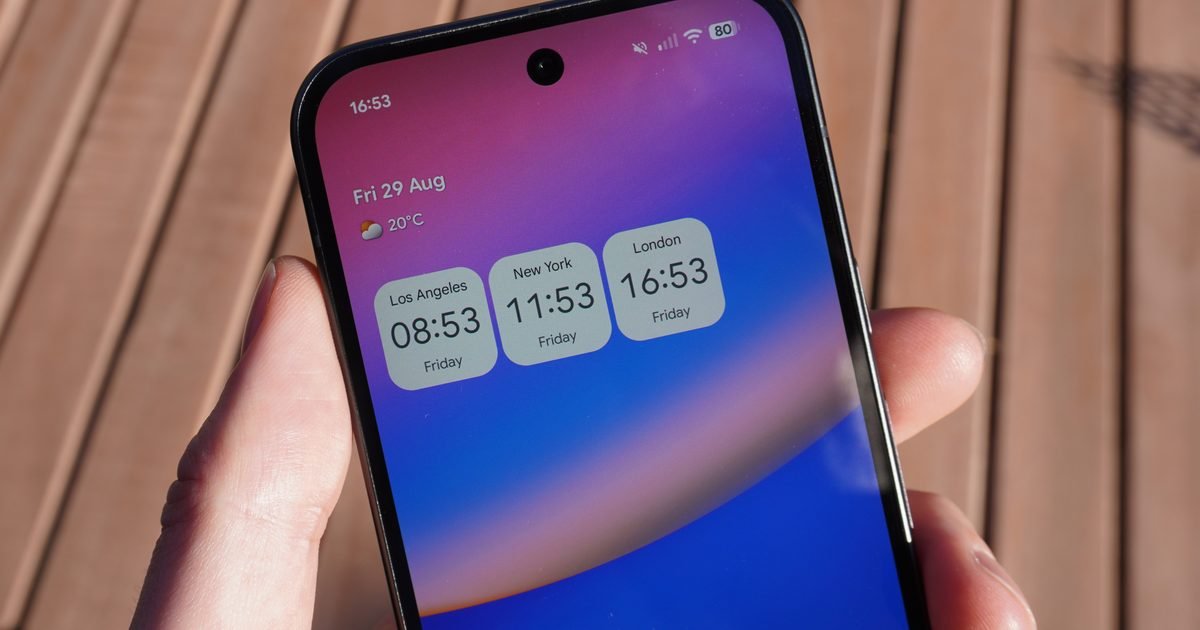
    The publication’s source has used the advanced facial recognition technology on a Pixel phone with only a single punch-hole camera on the front, and two Chromebooks (with the help of external cameras), under varied lighting conditions.

    Hardware mystery: How does it work?

    So, unlike the current AI-based face unlock on Pixel phones, which isn’t quite useful in poorly lit environments, Project Toscana seems to work in both good and poor lighting conditions. In fact, the publication goes so far as to say that the experimental tech works as “quickly” as Apple’s Face ID.

    What’s puzzling me, however, is the fact that the advanced face unlock system has been tested on a phone with a punch-hole cutout, likely housing a single camera sensor. The report doesn’t mention any specialized hardware that enhances the technology’s accuracy.

    In comparison, Apple’s iPhones include a dedicated IR dot projector that projects more than 30,000 IR dots onto the user’s face and an IR camera that reads the dot pattern reflected from the face, and it is to hide all these sensors that the latest iPhones come with a Dynamic Island.

    Could it be Tensor power and computational security?

    From what I can read between the lines, Google’s Project Toscana could leverage hybrid camera sensors that may be able to capture both visible light and near-infrared (NIR) wavelengths.

    Further, the mechanism could also include time-of-flight integration and computational liveness checks (via the advanced image signal processor on the proposed Tensor G6 chip).

    Given that it isn’t clear whether the outlet’s source tested the feature on an existing Pixel or an upcoming model, I can’t comment on it with utmost surety.

    If it’s an unreleased Pixel phone (likely the Pixel 11 due for a launch later this year), it might feature an invisible IR emitter tucked under the screen, something that has been rumored in the past as well.

    Keeping the technical aspect of Project Toscana aside, it’s great to hear that Google is working to improve its facial recognition technology. We can expect the future Pixels, likely the Pixel 11, to feature the technology.

  • Apple racing to launch an AI pendant to serve as your iPhone’s eyes and ears

    Apple racing to launch an AI pendant to serve as your iPhone’s eyes and ears

    The AI hardware industry is moving fast, and it seems Apple wants in on the trend. As per a report by Bloomberg, the company is working on an AI pendant that will come equipped with a camera and might serve as the “eyes and ears” for a paired iPhone. In addition to the pendant, the company is also said to be working on AI-powered smart glasses and AirPods with an onboard camera.

    What’s the big shift?

    Apple’s upcoming AI wearable will reportedly miss out on a display, unlike the doomed Humane AI Pin, which was actually the brainchild of former Apple executives. “It’s also designed to rely heavily on an iPhone for processing. Though it has a dedicated chip, the system is closer in computing power to AirPods than an Apple Watch,” reports Bloomberg.

    Apple’s team is still debating whether to equip the AI pendant with an onboard speaker. With a built-in speaker, users will supposedly be able to hold back-and-forth conversations with the device. And since it comes equipped with a camera with AI-enabled world understanding (aka computer vision), it should work somewhat similarly to the Visual Intelligence feature that is already available on iPhones as part of the Apple Intelligence package.

    The pendant will reportedly be similar in size to the AirTag, which makes sense. Numerous companies are building wearable AI devices, an expanding category that includes names such as Friend, Limitless, and NeoaSapien, all of which broadly serve as somewhat of a digital memory bank to collect your thoughts.

    What comes next?

    Apple’s AI necklace might hit the shelves early next year, as per Bloomberg. “Apple is working to allow users to wear the AirTag-sized pendant in two primary ways: with a clip that can attach to clothing or via a necklace that can be placed through a hole inside the hardware,” the outlet reports.

    The AI wearable plans come at a time when Apple is ramping up its AI efforts, after nearly two years of lagging behind with Siri, while the likes of Gemini and ChatGPT raced far ahead. Earlier this year, Apple inked a deal with Google that would allow the company to use Gemini’s underlying infrastructure and use it for an “AI brain transplant” to enhance Siri with a heavy dose of customization.

    In addition to AI wearables, Apple is reportedly working on a tabletop robotic device, as well. Looking at the competition, OpenAI is also gearing up to launch an AI wearable device, designed in partnership with a firm started by legendary Apple designer, Jony Ive. Meta, on the other hand, acquired the company behind the Limitless AI wearable.

  • Android is getting a long-awaited backup feature for your downloads

    Android is getting a long-awaited backup feature for your downloads

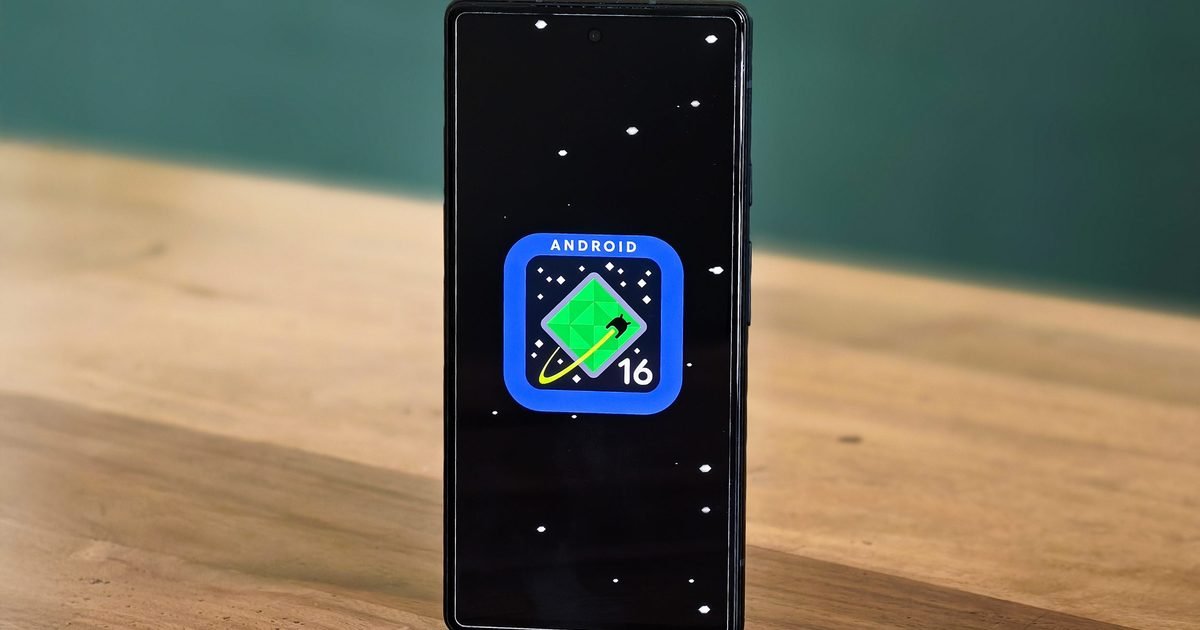
    Android’s built-in backup system has always been useful for saving your settings, apps, photos, and some app data automatically. However, it has a glaring flaw. Files saved in the Downloads folder are not included in Android’s regular backup, which means if you switch phones or lose your device, those files are gone unless you remembered to upload them to a cloud storage service manually or copied them elsewhere.

    That situation is finally changing with the February 2026 Google Play System update, as Google has added a new local file backup system that can automatically back up the contents of your Downloads folder to Google Drive. This feature is arriving with the latest Play System update and should show up on your device in the coming weeks.

    While Google’s patch notes don’t explain how the feature works, Android Authority reports that the system creates static copies of files stored in the Downloads folder and uploads them to your Drive backup. In other words, this is not a live sync feature. So if you edit a file after it has been backed up, those changes won’t automatically reflect in the Drive version, and edits made in Drive will not sync back to the local copy on your device.

    Despite this limitation, the feature brings Android closer to offering a complete safety net for your data. Before now, users had to manually manage important files if they want to keep them safe during a device change, loss, or reset. The new feature helps fill that gap by handling it for you automatically, although it still only covers the Downloads folder and not all of local storage.

    The rollout is gradual and server-side, so you may not see the option immediately. When it arrives, you should find the setting in the Backup menu alongside other backup options.

  • Amazon’s big Fire TV update is now rolling out with plenty of new tricks

    Amazon’s big Fire TV update is now rolling out with plenty of new tricks

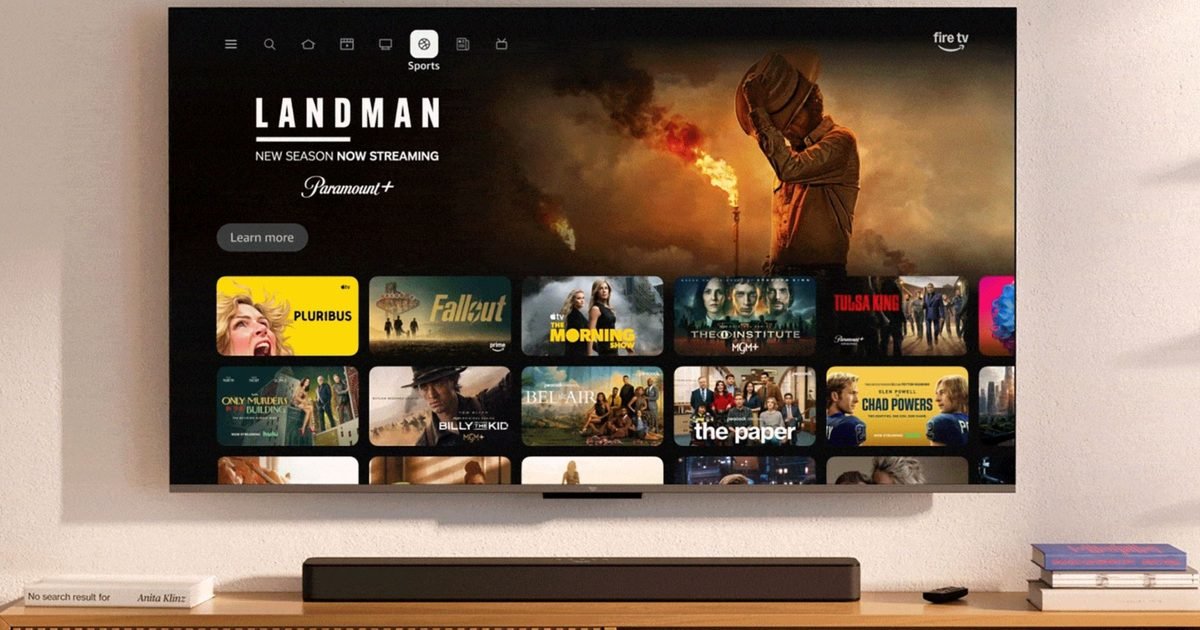
    Amazon‘s long-promised Fire TV overhaul is officially rolling out in the U.S., and it is one of the biggest changes the platform has seen in years. The update, which Amazon announced at CES 2026, is now landing on select Fire TV devices. It brings a cleaner look, faster performance, and a handful of features that make finding content easier.

    A faster, cleaner Fire TV experience

    At the center of the update is a redesigned home screen that puts simplicity first. Amazon says the new interface is up to 30% faster, with smoother navigation and fewer visual distractions.

    Layouts are cleaner, text is easier to read, and content takes center stage instead of being buried under rows of recommendations. According to Amazon’s blog, the goal is to make Fire TV feel quicker and more intuitive the moment you turn it on

    The home screen is also more customizable now. Users can pin up to 20 favorite apps, more than triple the previous limit, and rearrange them directly using the remote.

    Dedicated sections for movies, TV shows, sports, and news pull content from across apps into one place, so you no longer have to jump between services just to see what is available.

    Smarter navigation and Alexa upgrades

    Amazon has also improved navigation in Fire TV. A new menu acts as a central launch point for apps, games, art, photos, and ambient modes.

    Pressing and holding the Home button opens a Shortcut Panel without interrupting playback, offering quick access to picture and audio settings, smart home controls, accessibility options, and security cameras.

    Alexa plays a bigger role here as well. With more natural conversational prompts, Alexa can surface smarter, more personalized recommendations, helping users find shows and movies faster without endless scrolling.

    Devices that are eligible for the new Fire TV update

    The redesigned Fire TV experience is rolling out first in the U.S. on the Fire TV Stick 4K Plus, Fire TV Stick 4K Max (2nd Gen), and the Fire TV Omni Mini-LED Series.

    Amazon says the update will expand this spring to more devices and regions, including newer Fire TV 4K streaming players, the Fire TV 2-Series, Fire TV 4-Series, and Fire TV Omni QLED TVs.

    The refreshed interface will also arrive on TVs made by partners such as Hisense, Insignia, Panasonic, and TCL. The update is also available on Amazon’s new Ember Artline TVs, which double as digital art displays when not in use.

  • ChatGPT now has a Lockdown Mode, but should you enable it?

    ChatGPT now has a Lockdown Mode, but should you enable it?

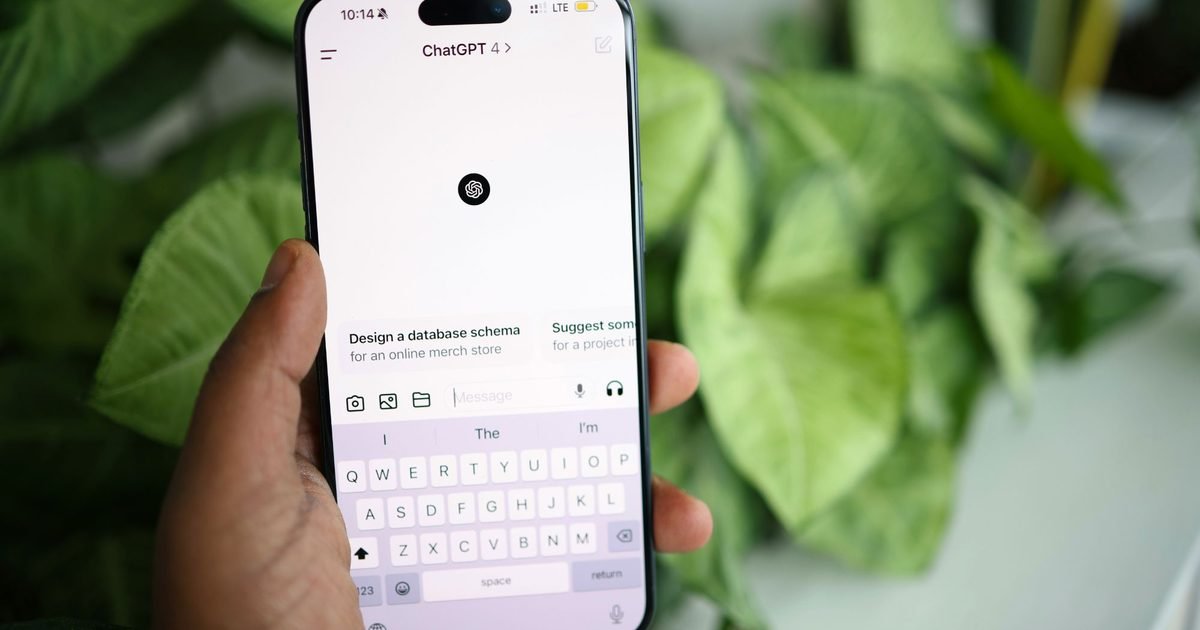
    ChatGPT has a new security feature called Lockdown Mode, but OpenAI is clear about one thing from the start: most people don’t need to turn it on.

    The new mode is designed for users who face unusually high digital risk, such as journalists, activists, or people working in sensitive environments. For everyone else, OpenAI says the standard protections built into ChatGPT are already enough.

    What is Lockdown Mode in ChatGPT?

    Lockdown Mode is essentially a high-security setting that restricts what ChatGPT can do. When enabled, the system behaves more conservatively to reduce the risk of exploitation, manipulation, or unintended data exposure. OpenAI describes this as shrinking the product’s attack surface, even if that means limiting useful features.

    One of the biggest changes affects web access. Web browsing is restricted to cached content only, which prevents ChatGPT from pulling live information from the internet. That reduces the risk of sensitive data being transmitted, but it also means search results can be incomplete or outdated.

    Image handling is also tightened. ChatGPT can no longer include images in its responses, although users can still upload their own images and continue using image generation tools.

    Deep Research, which allows more complex multi-step analysis, is disabled entirely, as is Agent Mode, which would otherwise allow the system to carry out more autonomous actions.

    Other restrictions focus on networking and files. Canvas-generated code cannot be approved to access the network, and ChatGPT cannot download files for data analysis. It can still work with files you manually upload, but it won’t fetch anything on its own.

    Together, these limits are meant to reduce how much the system can reach outward or act independently.

    Who can use Lockdown Mode right now?

    Lockdown Mode is currently available to ChatGPT Enterprise, Edu, ChatGPT for Healthcare, and ChatGPT for Teachers. OpenAI says it plans to roll the feature out to consumer and team plans in the coming months.

    For organizations, Lockdown Mode is managed at the workspace level. Admins can create a custom role specifically for Lockdown Mode and assign it to selected users, allowing tighter controls without changing settings for everyone.

    In other ChatGPT news, the platform recently added the ability to steer Deep Research using content from your own sites and apps, giving more control over how results are gathered. At the same time, changes to ad settings for free accounts mean you can avoid ads, but your usage limits may shift.

  • This Dreame robot vacuum does the “hands-off” thing for real, and it’s down to $299.99

    This Dreame robot vacuum does the “hands-off” thing for real, and it’s down to $299.99

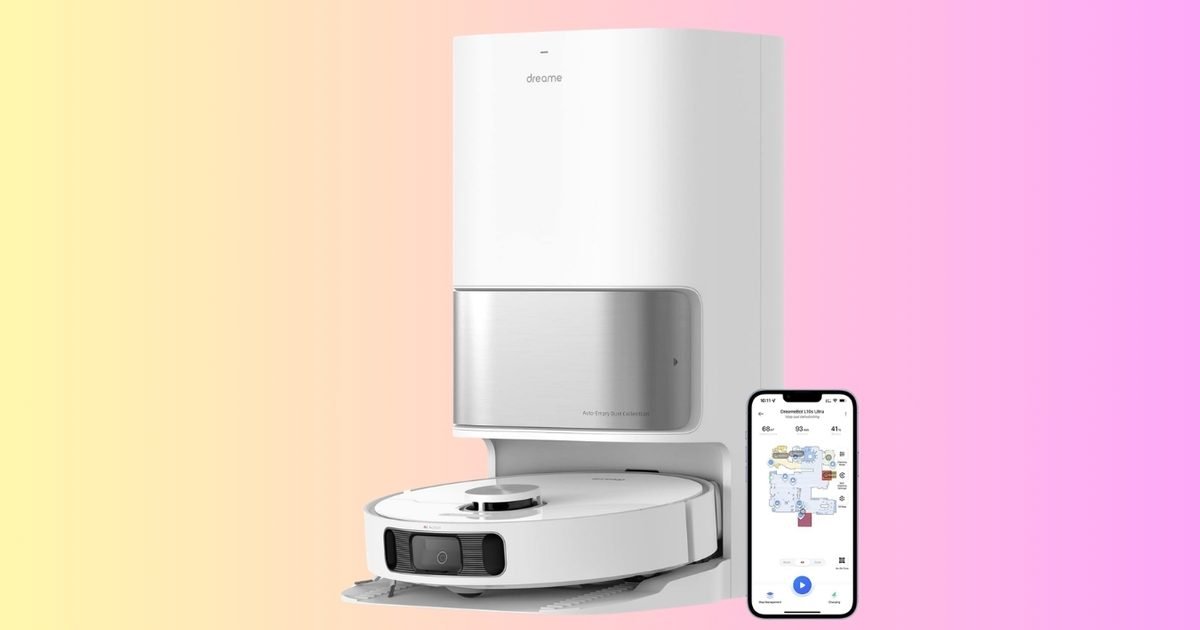
    Robot vacuums are only worth it when they actually reduce the number of times you have to think about cleaning. A lot of models still need babysitting: empty the bin, refill the water, wash the mop, dry the pads, repeat. The Dreame L10s Ultra is built to cut that routine down dramatically. It’s $299.99 for a limited time, down from $519.99 (42% off). If you want floors that stay consistently cleaner without turning it into a weekly project, this deal is the right kind of upgrade.

    What you’re getting

    The L10s Ultra is a robot vacuum and mop combo that leans heavily into automation:

    • Self-emptying base designed to handle up to 60 days of debris
    • Self-refilling for mopping, so you’re not topping off water constantly
    • Auto mop cleaning and drying, which helps keep the mopping system from turning gross
    • 5300Pa suction for strong vacuum pickup
    • AI navigation to help it move intelligently around your space
    • Alexa compatibility for voice control if that’s part of your routine

    In plain terms, it’s designed to be the robot you run often, not the robot you “get around to” because maintenance is annoying.

    Why it’s worth it

    At $299.99, you’re getting features that usually live in higher-priced robot setups, especially the mop washing and drying. That matters because mopping is where a lot of combo robots fall apart in real life. If the pads stay dirty or damp, you stop using the feature. A base that cleans and dries the mop makes the whole idea more sustainable.

    This is also a smart pick for busy households, pet owners, or anyone with hard floors who wants that “always tidy” feeling. The robot runs in the background, and your floors stay ahead of the mess instead of playing catch-up every weekend.

    The bottom line

    At $299.99 for a limited time, the Dreame L10s Ultra is a standout deal if you want a robot that vacuums and mops with a base that handles the messy maintenance parts for you. If you only need basic vacuuming, you can spend less. But if you want the full “set it up and let it run” experience, this 42% discount is a strong reason to move now.

  • You’ll soon be able to cap your MacBook’s charge at 80 percent to preserve battery health

    You’ll soon be able to cap your MacBook’s charge at 80 percent to preserve battery health

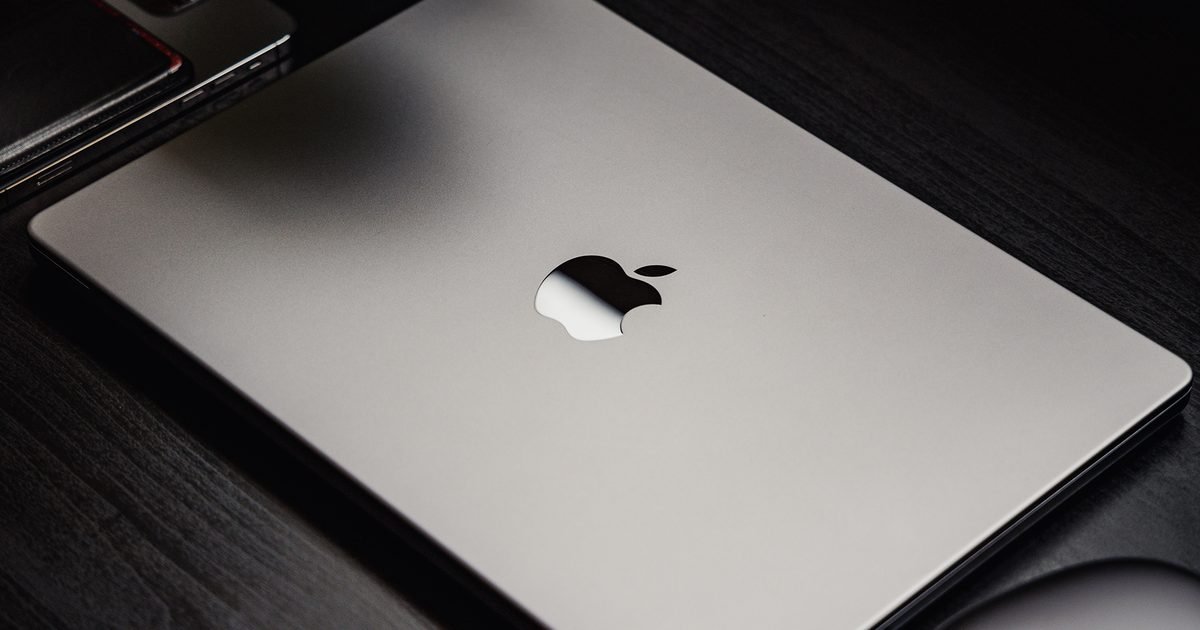
    Apple’s iPhone lineup has long included a charge limit feature designed to preserve battery health by preventing the device from charging to 100 percent. By capping the maximum charge level, users can reduce battery wear over time, particularly if their device spends long stretches plugged in. Now, that same functionality is making its way to MacBooks.

    Apple has introduced a new Charge Limit option in the latest macOS Tahoe 26.4 beta. According to MacRumors, the feature allows users to set a maximum charge level between 80 percent and 100 percent, giving them direct control over battery longevity. Once enabled, the MacBook will stop charging when it reaches the selected limit rather than automatically topping off to full capacity.

    The new setting appears in the System Settings app under the Battery section, and users can adjust the charge limit using a slider. The feature complements the existing Optimized Battery Charging option, which learns a user’s charging habits and delays charging past 80 percent until it predicts the device may be needed. Unlike the adaptive system, the new Charge Limit acts as a fixed cap and stops charging at the selected charge percentage.

    Battery health management has been available on Macs for several years, but until now, users did not have a manual way to enforce a strict upper charging threshold. The new Charge Limit feature addresses this issue. For now, the feature is limited to developers and public beta testers running the latest macOS Tahoe 26.4 beta. It is expected to roll out to all users when the update hits the stable channel.

  • iOS 26.4 puts your iPhone in anti-theft mode by default

    iOS 26.4 puts your iPhone in anti-theft mode by default

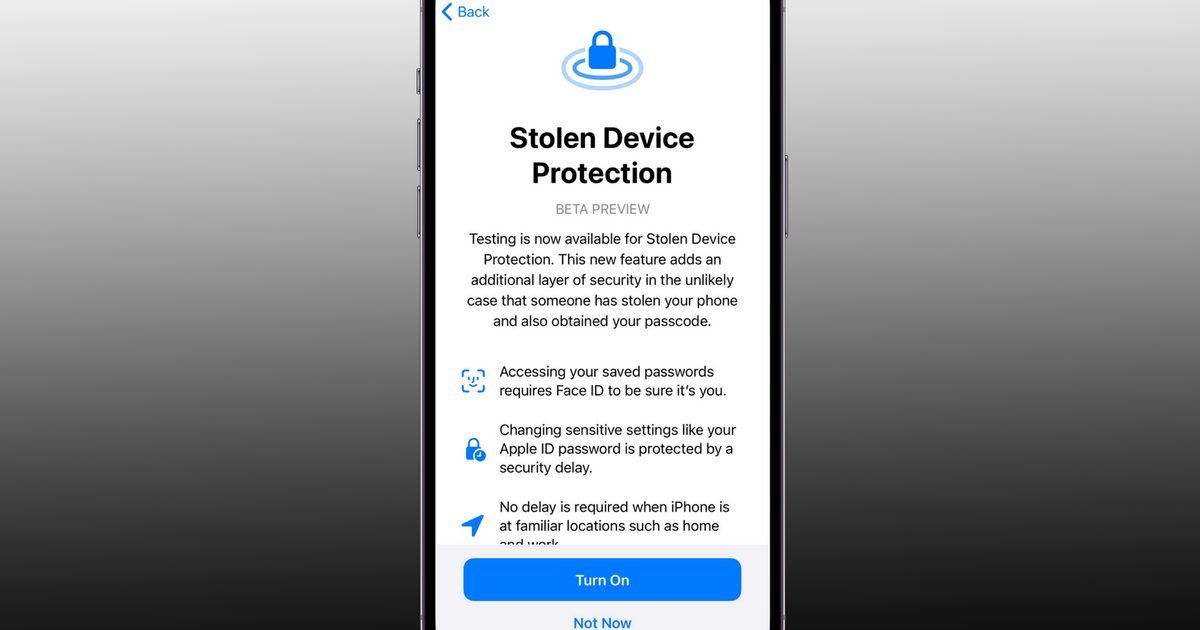
    The first developer beta of iOS 26.4 is rolling out, and with it, Apple is flipping a major security switch for buyers. A security feature that was previously optional is now enabled by default for everyone, making it harder for thieves to change your iPhone’s critical settings.

    We’re talking about Stolen Device Protection (first released with iOS 17.3), the feature that is designed to protect your Apple ID, saved passwords, payment methods, and other sensitive information, even if someone knows your iPhone’s passcode.

    Changing critical security settings requires more than just a passcode

    The feature asks for more credentials than your iPhone’s passcode (such as Face ID or Touch ID) for actions like viewing or using passwords or passkeys saved in iCloud, viewing an existing Apple card or applying for a new one, turning off the Lost Mode, and erasing all the content and settings.

    Further, the feature also delays changing critical security settings, such as the Apple ID password, adding or removing trusted devices, changing the iPhone’s passcode, and adding/removing Face ID or Touch ID, for an hour.

    It also requires biometric authentication, followed by a one-hour security delay and a second biometric confirmation before changes can be made.

    Why this matters

    Basically, by enabling Stolen Device Protection in iOS 26.4, Apple is making it harder for bad actors to exploit the critical information stored on your phone or to reset it and sell it for quick cash.

    In other words, your iPhone will be more paranoid than usual, even when you’re using it, but it is better to have the feature and not need it than to need it and realize that you didn’t turn it on (which is the entire point of making it a non-optional feature).

    Elsewhere, the iOS 26.4 developer beta also includes encrypted RCS messaging support, native video support in Apple Podcasts, and a new Playlist Playground feature in Apple Music. A full public release of iOS 26.4 is expected this spring.

  • Apple Music introduces a new way for you to create playlists with text prompts

    Apple Music introduces a new way for you to create playlists with text prompts

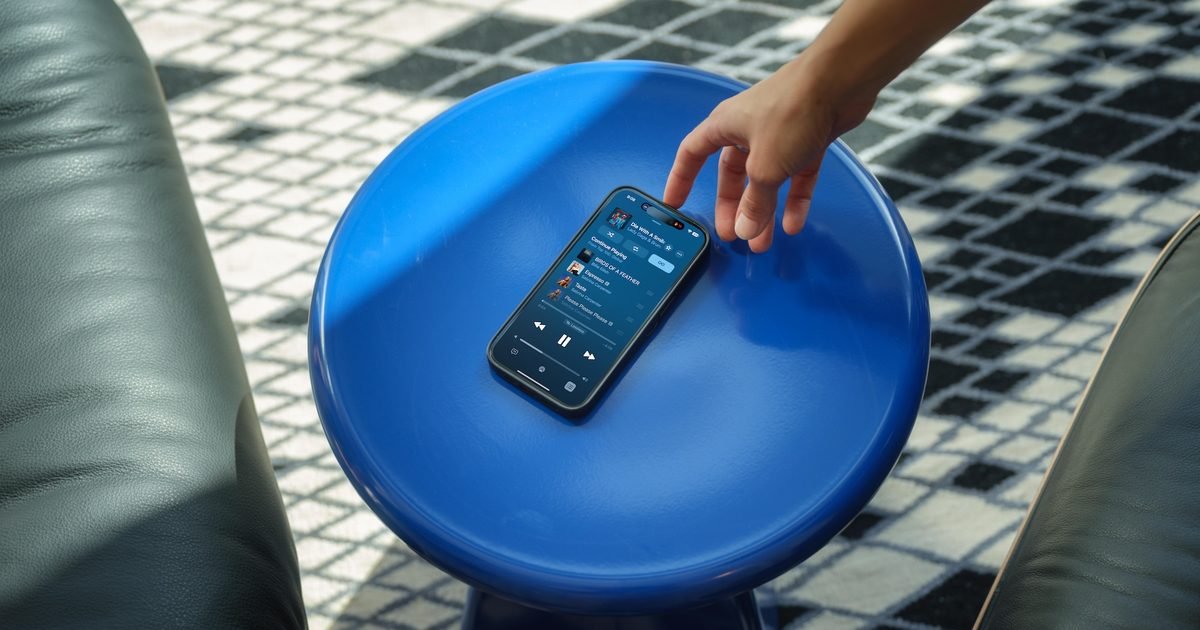
    Apple Music is following in Spotify’s footsteps with a new AI-powered playlist creation tool that lets users generate personalized playlists using text prompts. Apple has introduced the feature in the latest iOS 26 beta release, and it allows users to describe an activity, mood, or vibe to instantly build a custom playlist tailored to their request.

    According to MacRumors, the Playlist Playground feature is live in the first iOS 26.4 beta and adds a text box to the bottom of the playlist creation page in Apple Music where users can enter their prompt. The app offers a couple of pre-set suggestions such as “morning coffee music,” “hip-hop party songs,” and “disco songs that defined the 1970s” to help users get started.

    After selecting a suggestion or entering a custom prompt, Playlist Playground generates a 25-song playlist complete with a custom title. Users can further refine the mix by tapping the “Customize playlist” button at the bottom to add more prompts, change the title, or select a custom playlist cover.

    It’s not immediately clear whether Playlist Playground takes a user’s playback history into account when generating a custom playlist. Spotify’s alternative does, allowing it to create mixes that more closely match the user’s taste. Apple is expected to share more details about how the feature works ahead of its stable release.

    For now, Playlist Playground is limited to Apple Music users running the latest iOS beta build. The feature is expected to roll out more widely once iOS 26.4 hits the stable channel.